

Connected, but websites do not load
Updated 25 November 2026
Check your plan, location and profile, and learn what to send to support.
Step 1: Check your plan and service status
Open your account and check that your plan is active. Also check service status. Note whether the VPN works on another device.
Step 2: Try another location
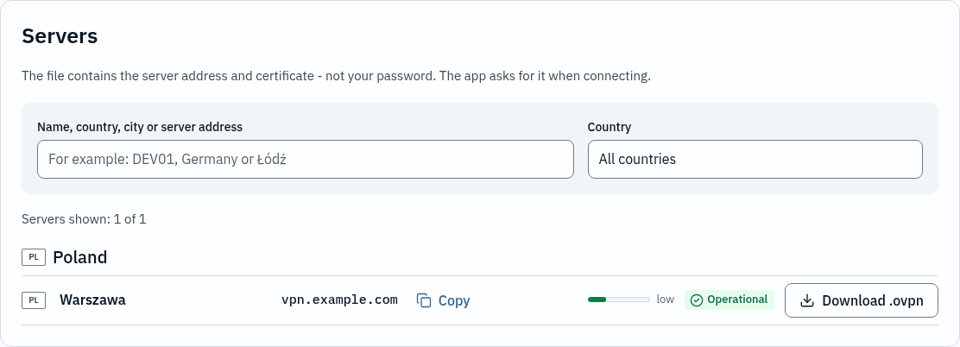
For OpenVPN, download another available server’s profile from your account and import it separately. In the VPNOnline app, choose another location in the app. Reconnect and check whether the website loads.
Step 3: Refresh the profile and check the error
Check your device’s date and time. For a certificate error, download a fresh profile and keep verification enabled. For a sign-in error, use your VPN login and account password. Check whether all websites or just one are affected.
Check the connection
After enabling the profile, open Check your connection. Compare the address and country with the location you chose and check that websites load. A Connected label alone does not confirm that every app uses the VPN. For a certificate error, download a fresh profile; keep certificate verification enabled. If you need help, send a request with your device, system version, app, location, time and error message. Do not attach passwords, keys or a complete configuration.
Did this help?
We only store the answer, nothing about you.
Still not working?
Write to us. We will include this article's name, so we know what you already checked.