

Buying or extending a plan on a TV
Updated 19 November 2026 · Applies to: VPNOnline Android TV / Google TV
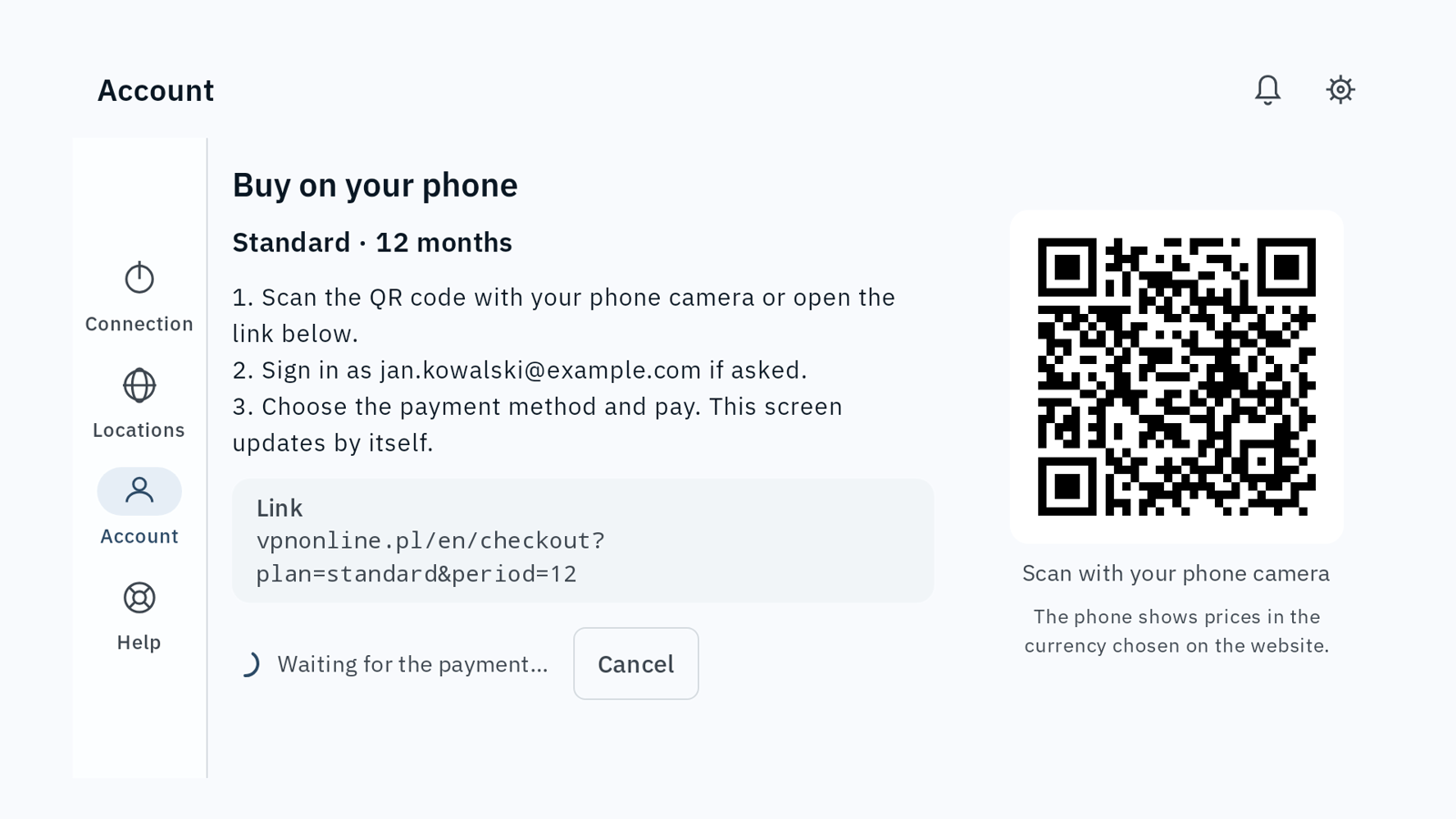
The TV shows a payment QR code - pay on your phone and the TV detects the payment by itself.
Step 1: Choose a plan
In the Account menu choose a plan and period, just like on a phone.
Step 2: Scan the QR code
The TV shows a QR code and a link to the payment page. Scan it with your phone, sign in to the same account if the page asks, choose the payment method and pay. Prices are in the currency chosen on the website.
Step 3: Wait a moment
The TV screen updates by itself and shows a confirmation once the payment is booked. Cancel closes the screen but does not stop a payment started on the phone.
Why on the phone?
Most TVs have no browser and payment gateways need a convenient confirmation - so the payment happens on your phone.
Did this help?
We only store the answer, nothing about you.
Still not working?
Write to us. We will include this article's name, so we know what you already checked.