

Signing in on a TV with email and password
Updated 19 November 2026 · Applies to: VPNOnline Android TV / Google TV
If your phone is not at hand, sign in on the TV with your email, password and 2FA code typed with the remote.
Step 1: Choose password sign-in
On the code screen choose Sign in with email and password.
Step 2: Type with the remote
The highlight is in the email field - press OK to open the keyboard. When done, choose Next to move to the password. The up and down arrows move between fields.
Step 3: Confirm 2FA
If your account uses 2FA, enter the code from your authenticator app.
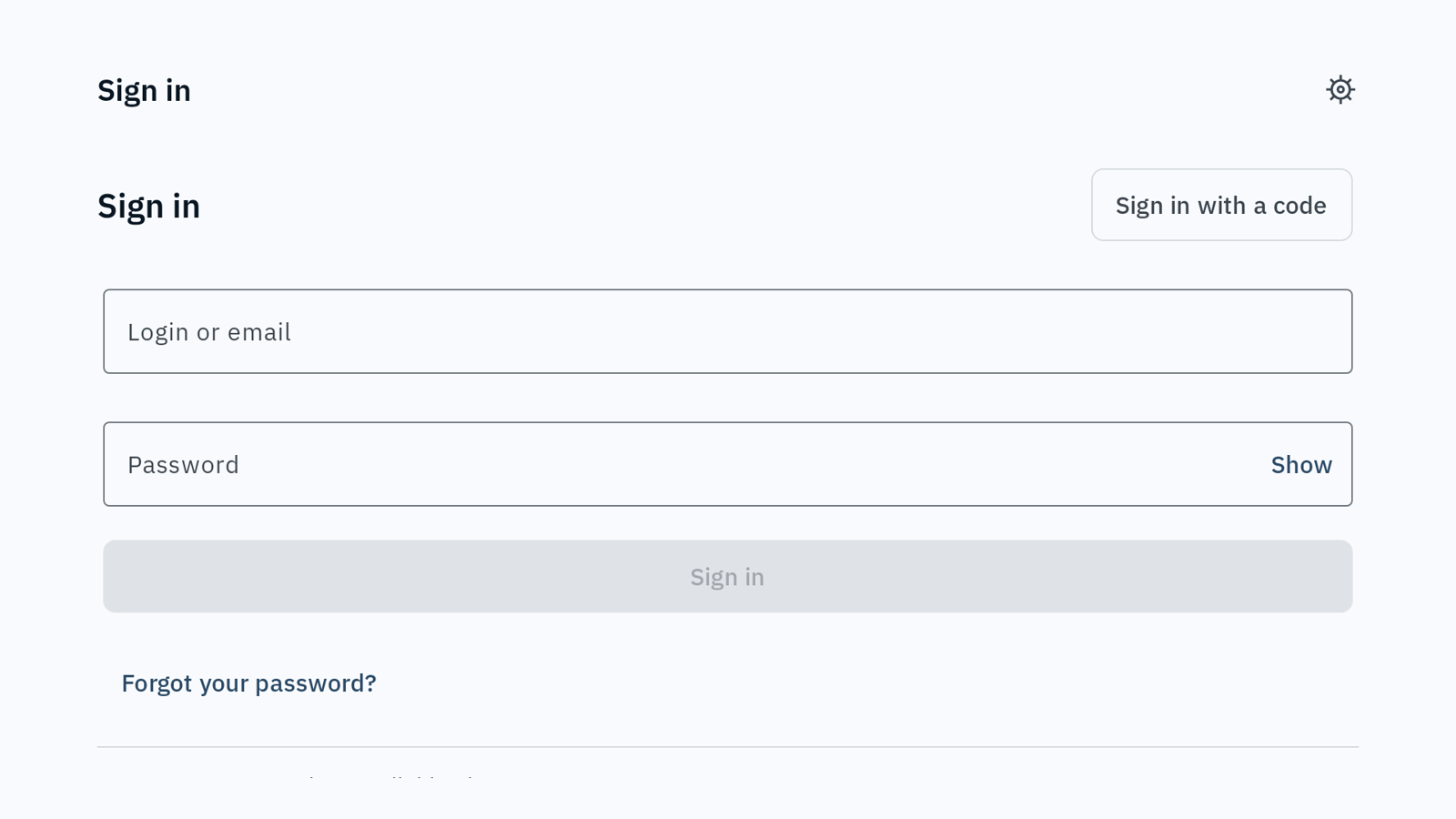
To return to code sign-in, choose Sign in with a code or press Back on the remote.
Did this help?
We only store the answer, nothing about you.
Still not working?
Write to us. We will include this article's name, so we know what you already checked.